
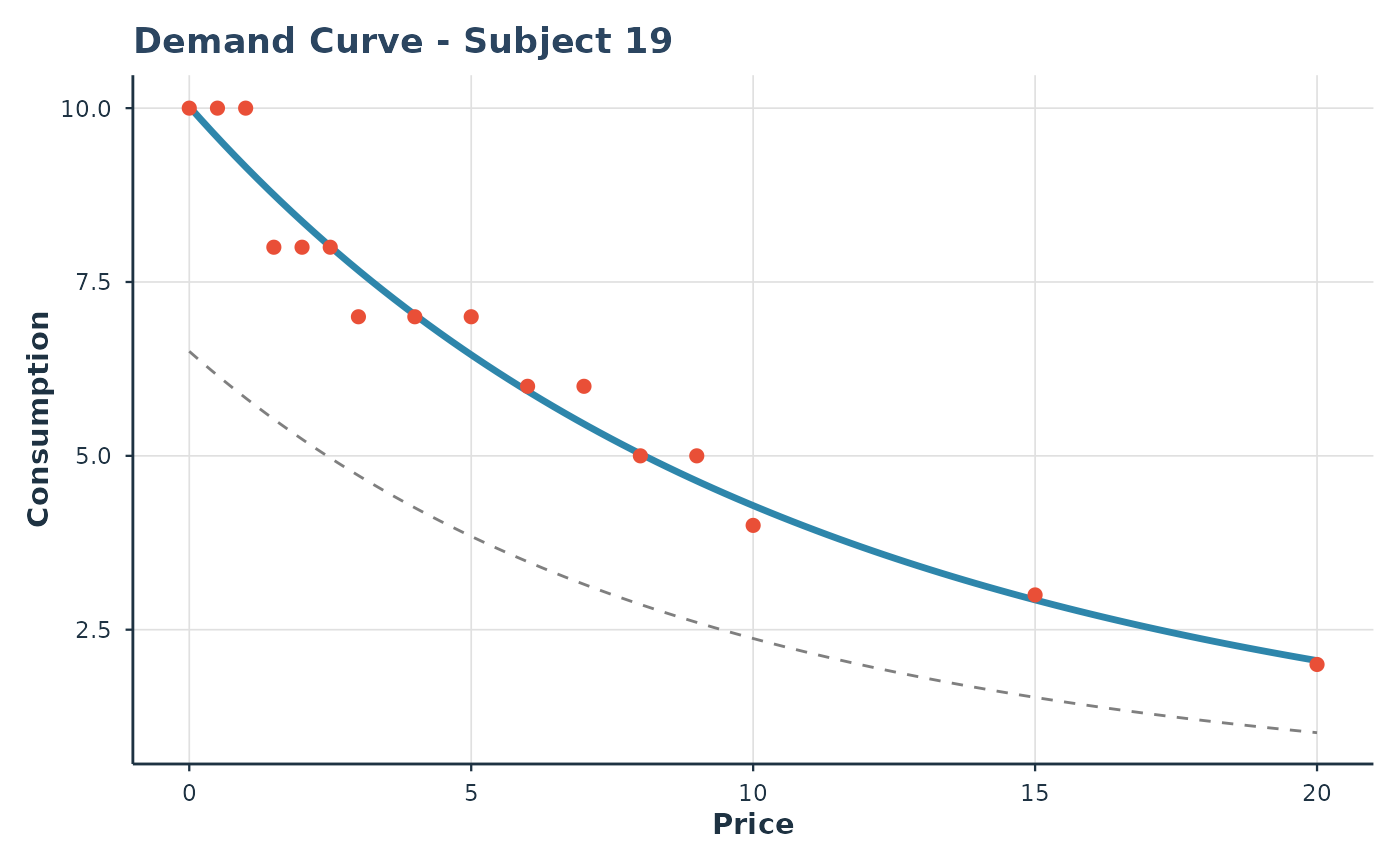
Creates a demand curve plot for a single subject with optional observed data and population reference curve.
Usage
plot_subject(
  object,
  subject_id,
  prices = NULL,
  show_data = TRUE,
  show_population = TRUE,
  style = c("modern", "apa")
)
Arguments
- object
An object of class
beezdemand_hurdle.- subject_id
The ID of the subject to plot.
- prices
Numeric vector of prices for plotting. If
NULL, uses a sequence from 0 to max observed price.- show_data
Logical; if
TRUE, overlay observed data points. Default isTRUE.- show_population
Logical; if
TRUE, show population curve. Default isTRUE.- style
Plot styling, passed to
theme_beezdemand().
Examples
# \donttest{
data(apt)
fit <- fit_demand_hurdle(apt, y_var = "y", x_var = "x", id_var = "id")
#> Sample size may be too small for reliable estimation.
#> Subjects: 10, Parameters: 12, Recommended minimum: 60 subjects.
#> Consider using more subjects or the simpler 2-RE model.
#> Fitting HurdleDemand3RE model...
#> Part II: zhao_exponential
#> Subjects: 10, Observations: 160
#> Fixed parameters: 12, Random effects per subject: 3
#> Optimizing...
#> Converged in 81 iterations
#> Computing standard errors...
#> Done. Log-likelihood: 32.81
plot_subject(fit, subject_id = "19")
 # }
# }